Plugins & Commands
Quick “how do I use this?” instructions for the main server plugins.
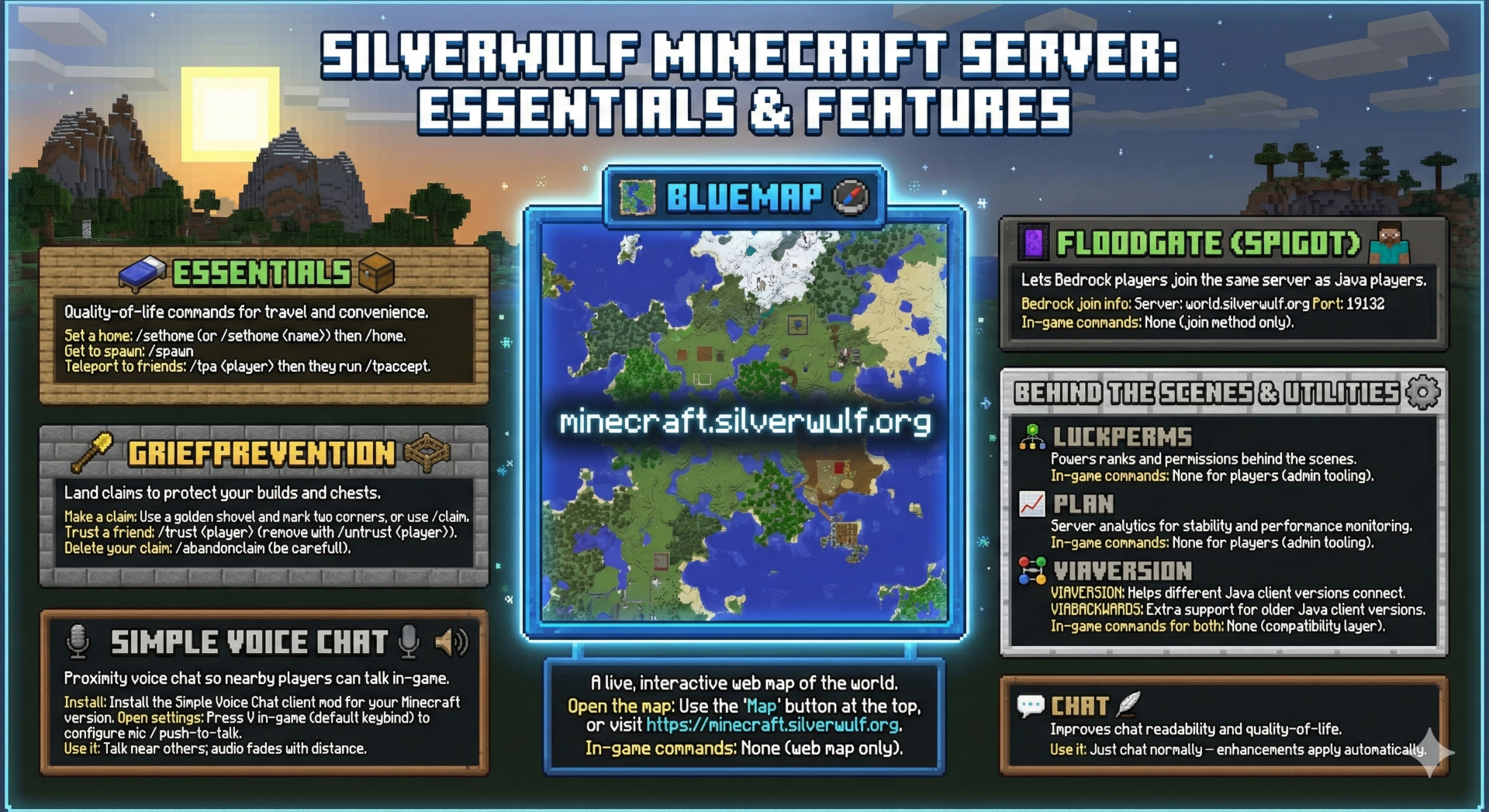
BlueMap
A live, interactive web map of the world.
Open the map
Use the “Map” button at the top, or visit https://minecraft.silverwulf.org
In-game commands
None (web map only).
Essentials
Quality-of-life commands for travel and convenience.
Set a home
/sethome (or /sethome <name>) then /homeGet to spawn
/spawnTeleport to friends
/tpa <player> then they run /tpacceptFloodgate (Spigot)
Lets Bedrock players join the same server as Java players.
Bedrock join info
Server:
world.silverwulf.org Port: 19132In-game commands
None (join method only).
GriefPrevention
Land claims to protect your builds and chests.
Make a claim
Use a golden shovel and mark two corners, or use
/claim.Trust a friend
/trust <player> (remove with /untrust <player>)Delete your claim
/abandonclaim (be careful!)LuckPerms
Powers ranks and permissions behind the scenes.
In-game commands
None for players (admin tooling).
Plan
Server analytics for stability and performance monitoring.
In-game commands
None for players (admin tooling).
ViaVersion
Helps different Java client versions connect to the server.
In-game commands
None (compatibility layer).
ViaBackwards
Extra support for older Java client versions joining newer servers.
In-game commands
None (compatibility layer).
Simple Voice Chat
Proximity voice chat so nearby players can talk in-game.
Install
Install the Simple Voice Chat client mod for your Minecraft version.
Open settings
Press
V in-game (default keybind) to configure mic / push-to-talk.Use it
Talk near others; audio fades with distance.
Chat
Improves chat readability and quality-of-life.
Use it
Just chat normally — enhancements apply automatically.